Free
Everything you need for your first CVs.
- 2 CVs
- Starter templates and colours
- AI help and PDF downloads, supported by short ads
 Noga CV
AI Resume Builder & CV Maker
in minutes, with AI
Pick one of 34 designer templates, write every section with AI help, and download a print-ready PDF. Right on your phone, no account needed.
Free to download. How it works
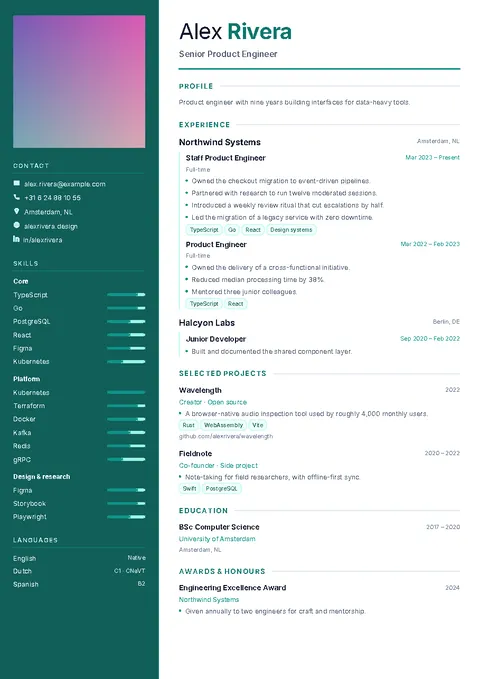
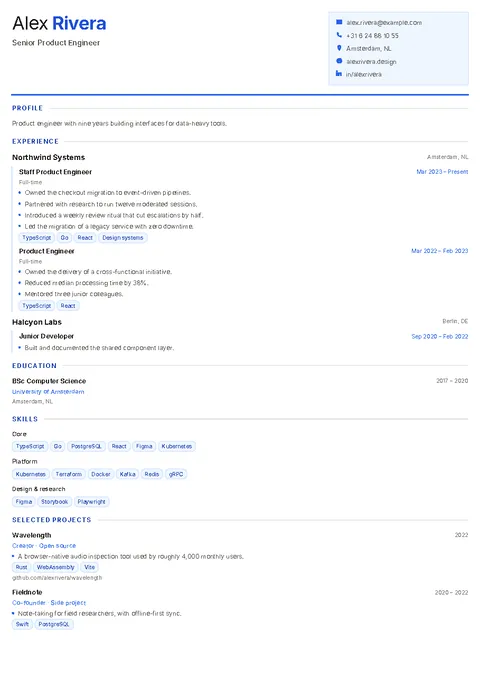
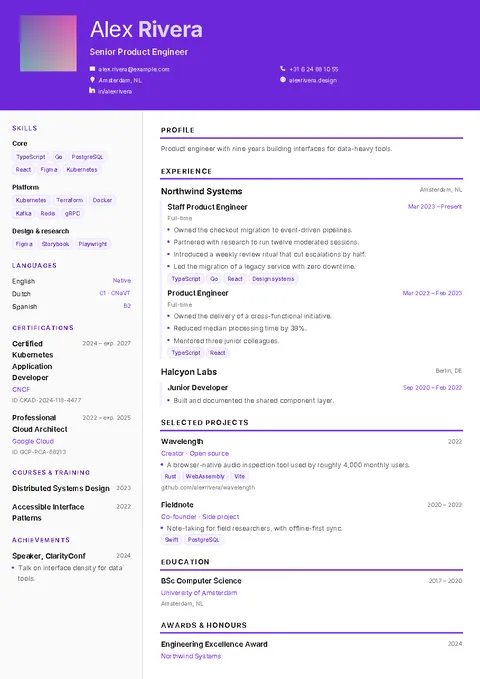
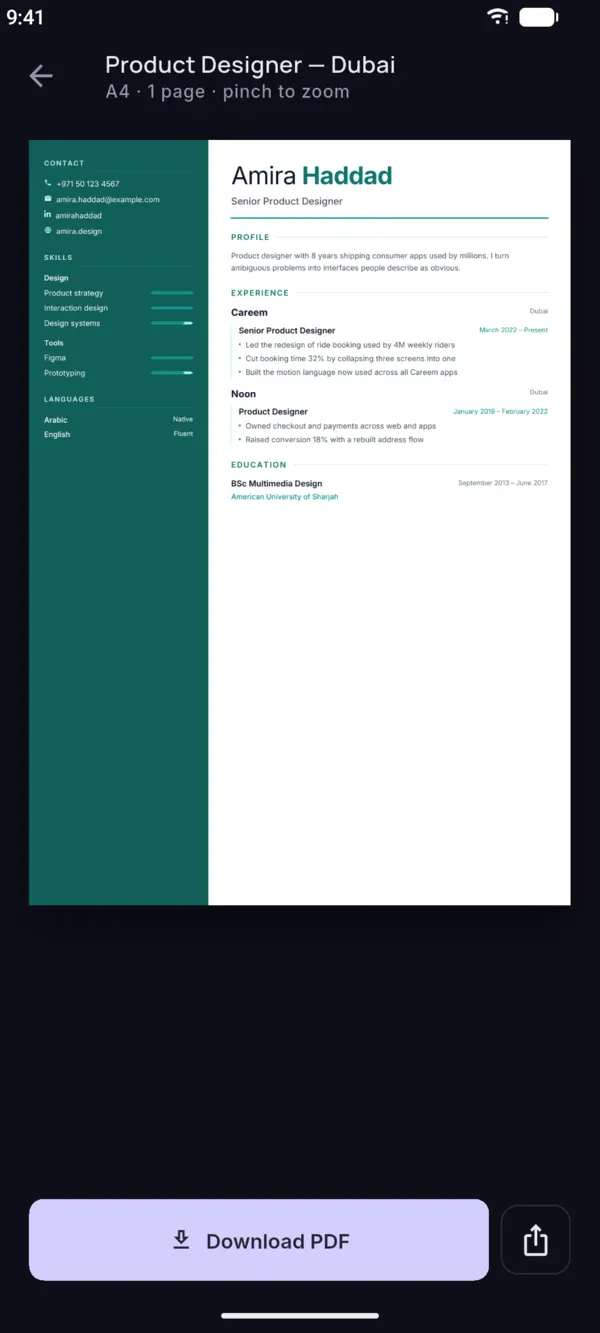
Modern, classic, sidebar, timeline and cards. Switch layout or colour at any time and your content follows. See them filled in on resume examples by job, or read which resume format to use.
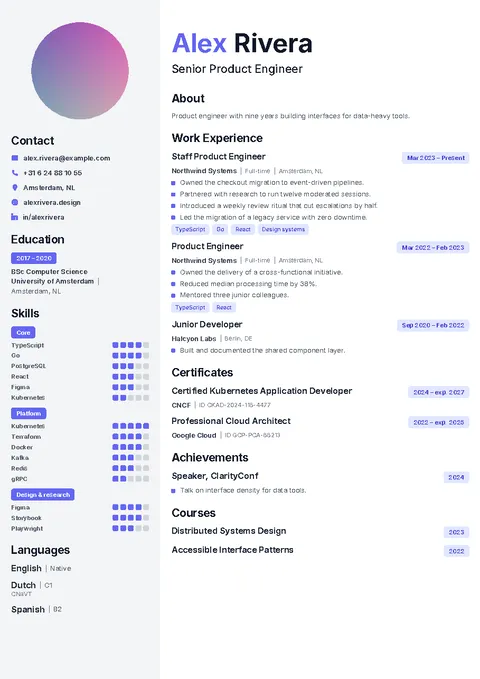
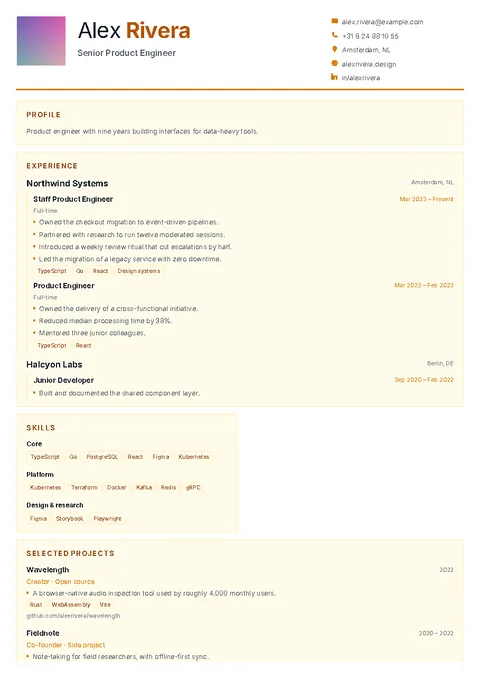
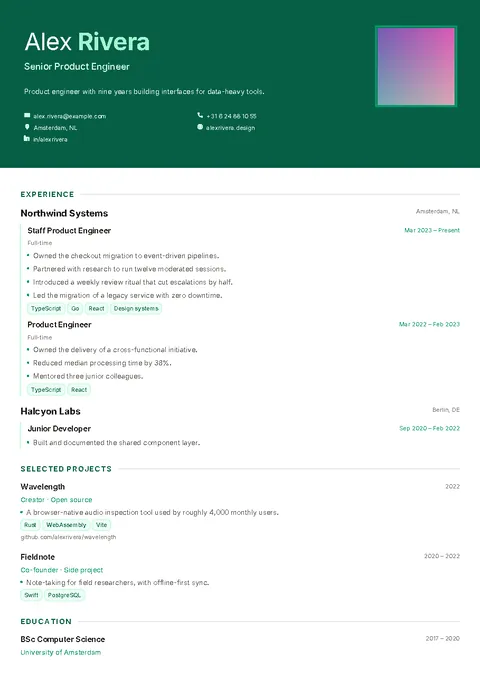
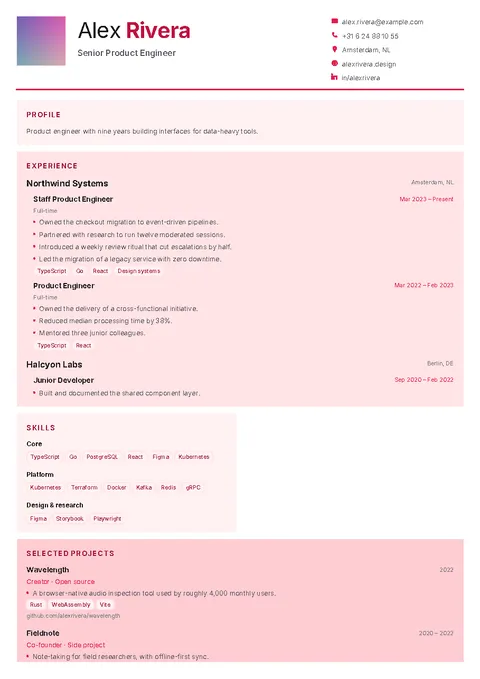
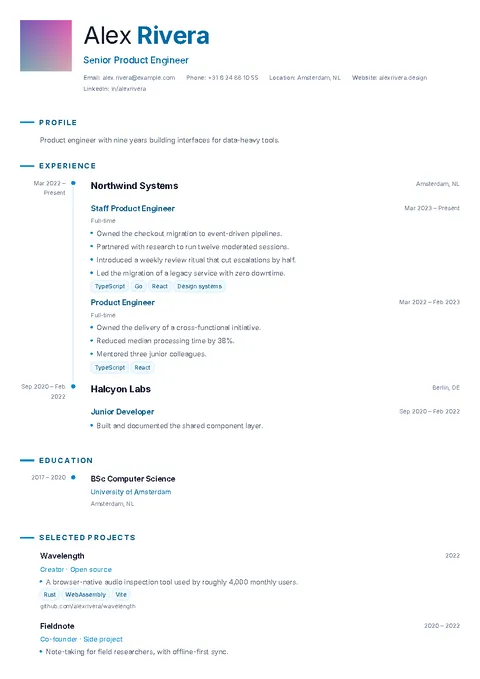
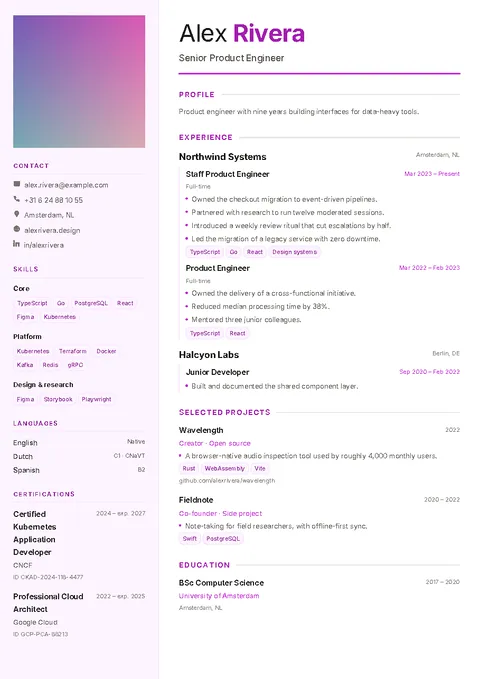
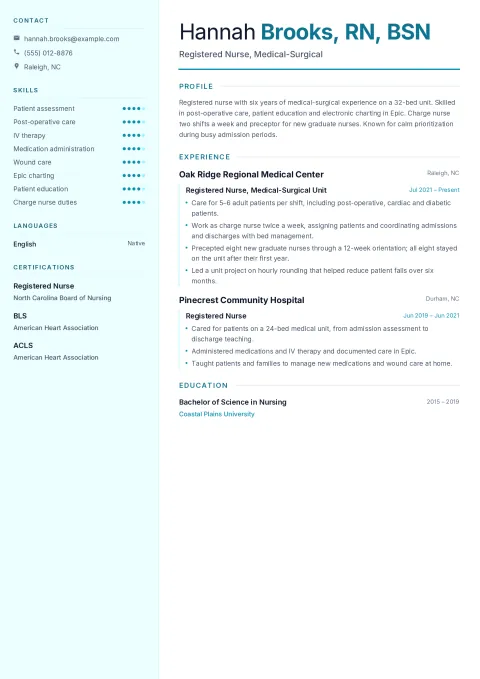
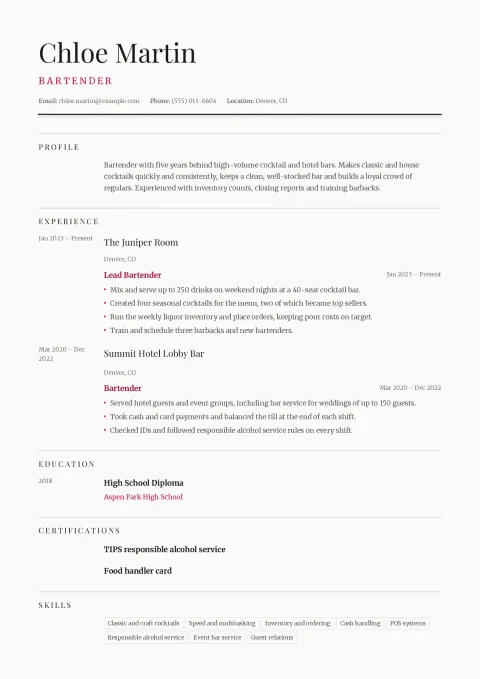
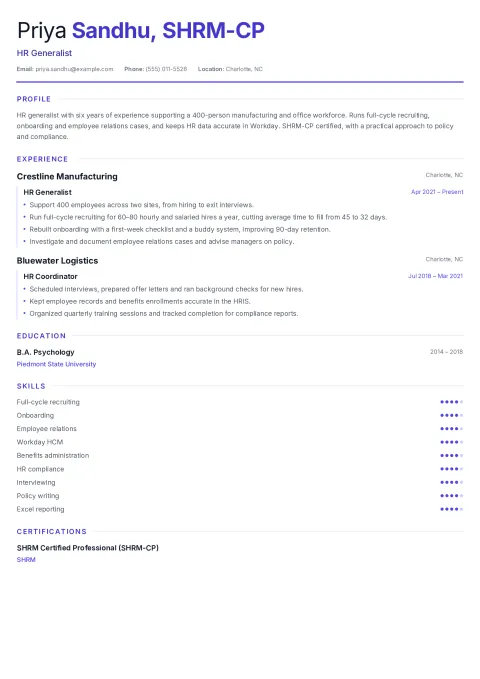
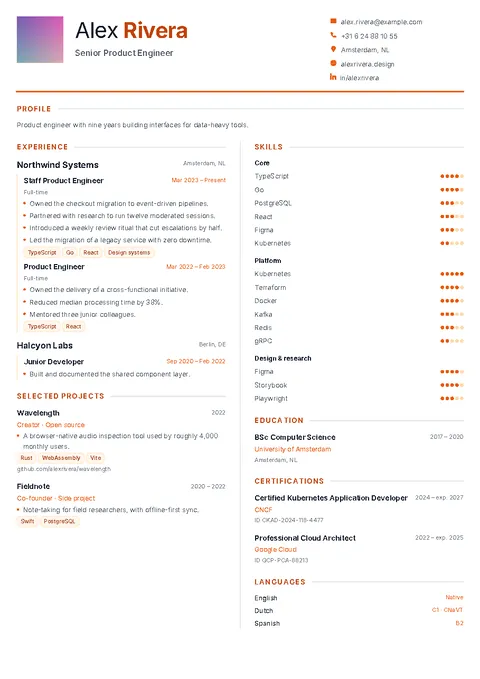
The app does the formatting and helps with the words, so you can focus on what you have done.
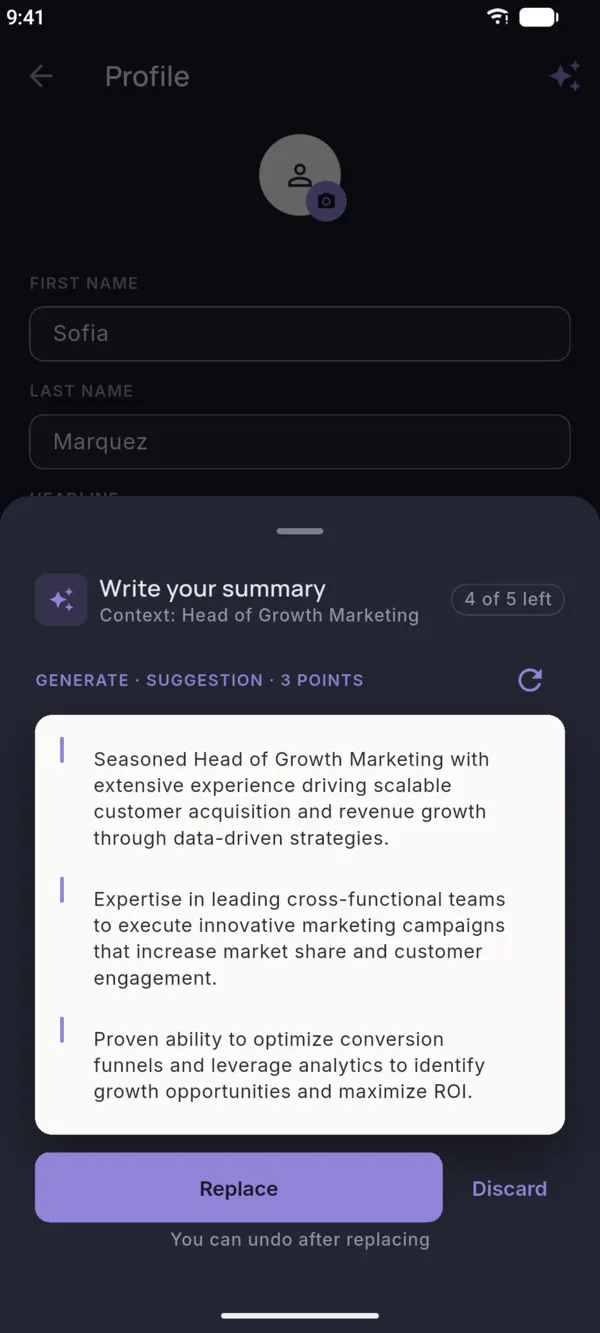
Ask for a summary, bullet points or skills. Keep what fits, replace or discard the rest.
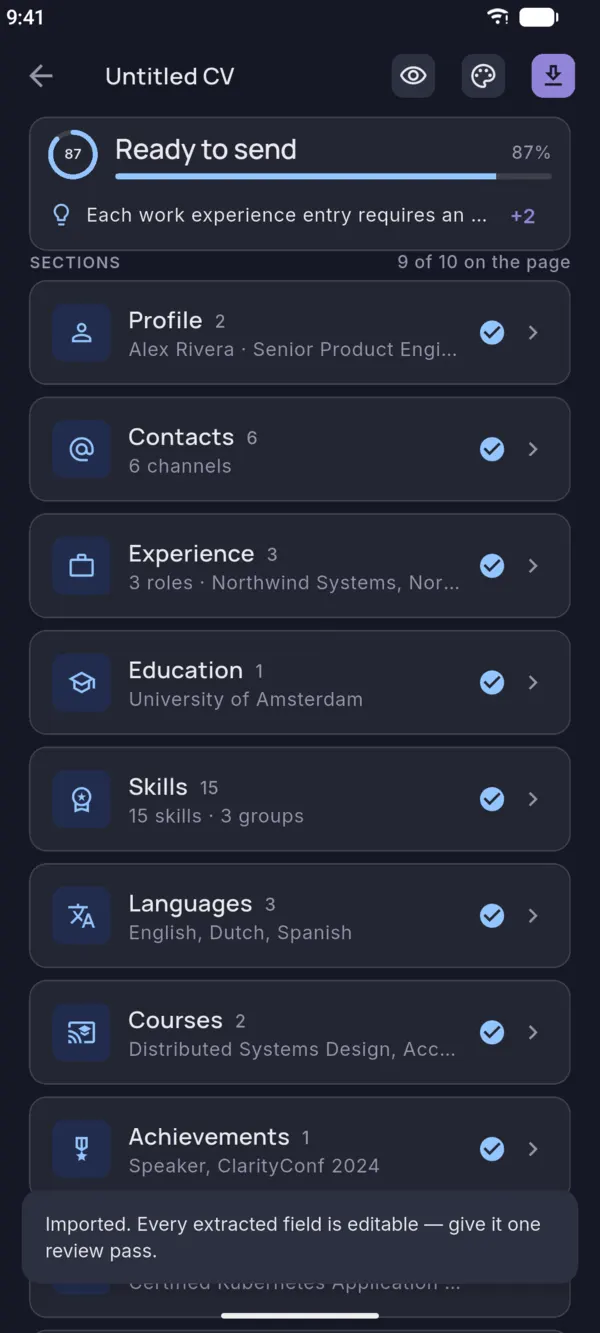
Upload a PDF or DOCX. Every field is filled in for you to check, then pick a new design.
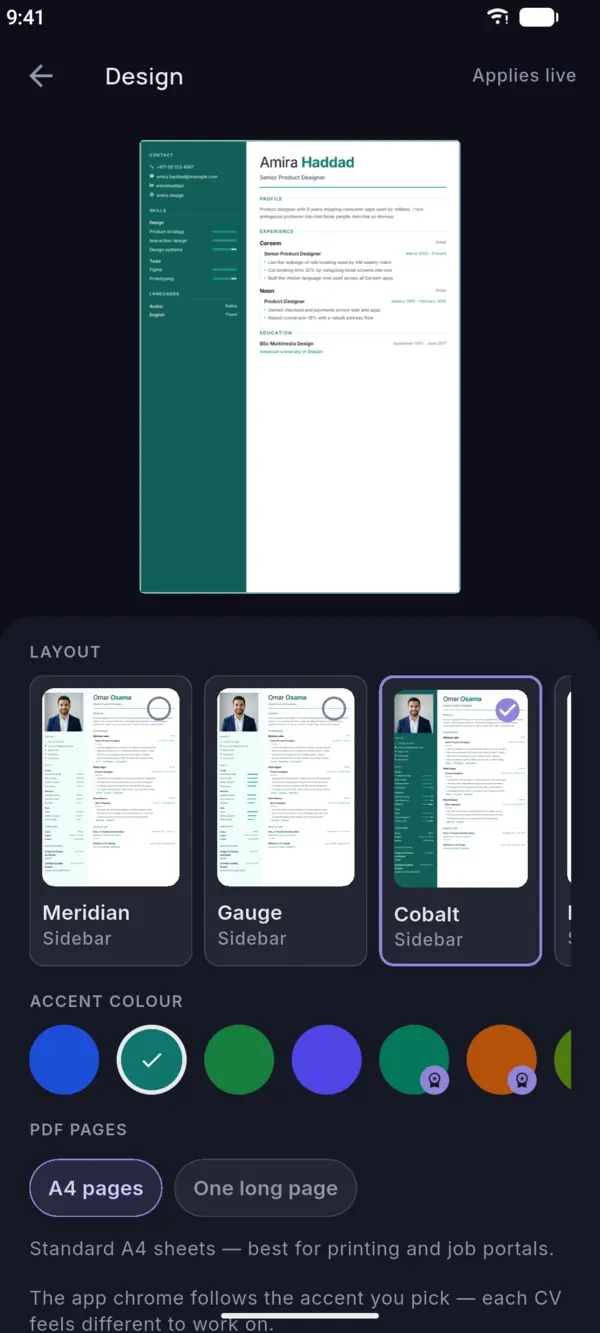
Layout, colour and page size update the preview as you tap. What you see is the PDF you get.
Print-ready PDFA4, ready to send, upload or print.
No registrationYour CVs live on your phone. No account to create.
Start from a layout you like. You can change the design whenever you want.
Type your experience in plain words, or import an old CV, and let AI polish each section.
Export a one-page or multi-page PDF and share it straight from your phone.
Everything you need for your first CVs.
Monthly or yearly subscription.
Only need one CV? Unlock this CV with a one-time purchase instead of a subscription.
Prices are shown in the app before you buy and depend on your store and country.
Something else? Email [email protected].
Yes. The app is free to download and you can make 2 CVs with the starter templates. AI help and downloads in the free version are supported by short ads. Pro and Unlock this CV are optional.
No. There is no sign-up and no password. The app creates a random anonymous identifier so it can talk to our server.
Your CVs are stored on your phone. Previews and PDFs are made on your phone. Content is sent to our server only when you import a CV file or ask for AI suggestions. Read the privacy policy for the details.
You download your CV as an A4 PDF. To import an existing CV, upload a PDF or DOCX file.
Pro is a store subscription. Cancel it in your Google Play or Apple subscription settings at least 24 hours before the current period ends. See the terms of use.
Yes, it is on its way to the App Store. Until then, Noga CV is available on Google Play for Android.
Yes. Download Noga CV from the App Store.
Free on Google Play. No account, no blank page.